










Almost every coin you'll ever make on Alora passes through the Trading Post. Whether you're selling vote books, flipping items for profit, or just trying not to get ripped off on your first dragon bones purchase, this guide covers how it all works.
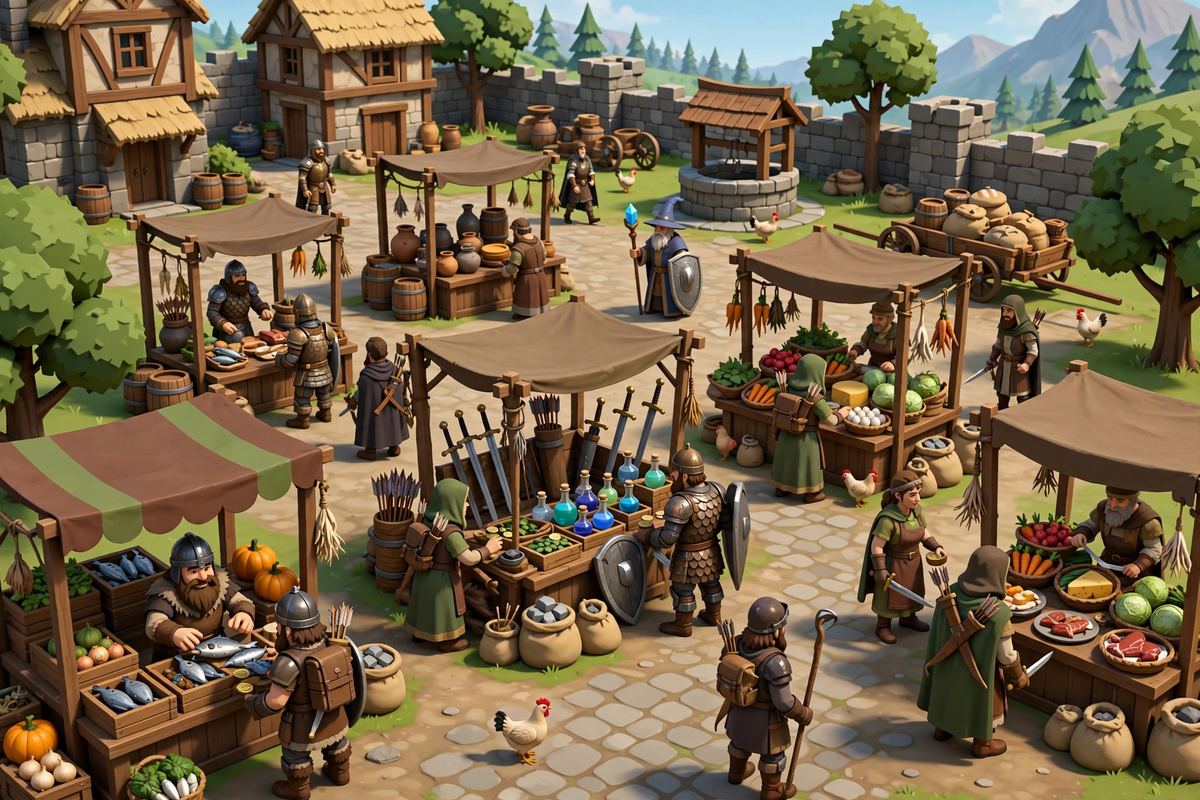
What Is the Trading Post?
The Trading Post is Alora's player-to-player marketplace - think of it like the Grand Exchange from OSRS, but driven by player listings. You can find it inside Edgeville bank, by the big windows. Almost all trading between players happens here, and learning to use it well is one of the most valuable skills on Alora.
Buying Items
- Open the Trading Post and use the search box to find the item you want.
- You'll see active listings from other players with their asking prices. Compare a few before you buy - prices for the same item can vary a lot between sellers.
- When you find a fair price, buy it directly from the listing. The item goes straight to you.
- In a hurry? You can also post a buy offer: name your price and wait for a seller to accept it. Patient buyers often get better deals this way.
Selling Items
- Search for your item first and check what others are asking. This is your price check - never list blind.
- Price competitively. Listing slightly below the cheapest current offer usually sells fastest.
- Rare or high-demand items (boss drops, vote books) can be listed at the going rate - they sell themselves.
- Common supplies sell best in bulk. Nobody wants to buy 14 sharks one at a time.
- Collect your earnings from the Trading Post once your listings sell.
Flipping: Profit Without Lifting a Sword
Flipping means buying items low and re-selling them higher. It's pure profit with zero requirements:
- Find high-volume items - supplies everyone uses (food, potions, runes, ammunition) move fast in both directions.
- Learn the margins - watch the gap between the cheapest sellers and what buyers are offering. The bigger the gap, the better the flip.
- Start small - flip cheap supplies first to learn the market before tying up millions.
- Be patient - post buy offers below market price and sell offers at market price, then wait. Flipping rewards patience, not speed.
- Watch update news - game updates shake up prices. Items for new content spike; items for nerfed content crash. Buy the rumors, sell the news.
- Use the Trading Post, not direct trades, for anything valuable. The Post removes the classic trade-window scams entirely.
- Double-check item names - scammers rely on lookalike items with similar names and icons.
- Never RWT. Buying or selling Alora gold, items, accounts or services for real money, crypto, or anything outside Alora is strictly prohibited and will get your account banned. No exceptions, no "my friend did it" - don't risk it.
- If a deal looks too good to be true, it is. Walk away.
Ironman Players
Ironman modes are restricted from trading with other players, so the Trading Post isn't available to them - ironmen earn everything themselves. (That's the whole point of the challenge.) If you're on a regular account, everything above applies to you.
FAQ
Where exactly is the Trading Post?
Inside Edgeville bank, by the big windows. You can't miss it.
Why isn't my item selling?
Your price is probably too high. Check the cheapest listings for the same item and undercut them slightly.
Someone offered me a trade instead of using the Post. Should I?
For small everyday trades it's fine, but for anything worth real money, insist on the Trading Post. It's scam-proof.
How do I know what my drop is worth?
Search it on the Trading Post. If there are no listings, ask in the Alora clan chat - players will tell you fast.
Guide written by Lochis. Last updated: September 2026.


